What is a link in bio, and do you actually need one?
August 13, 2026
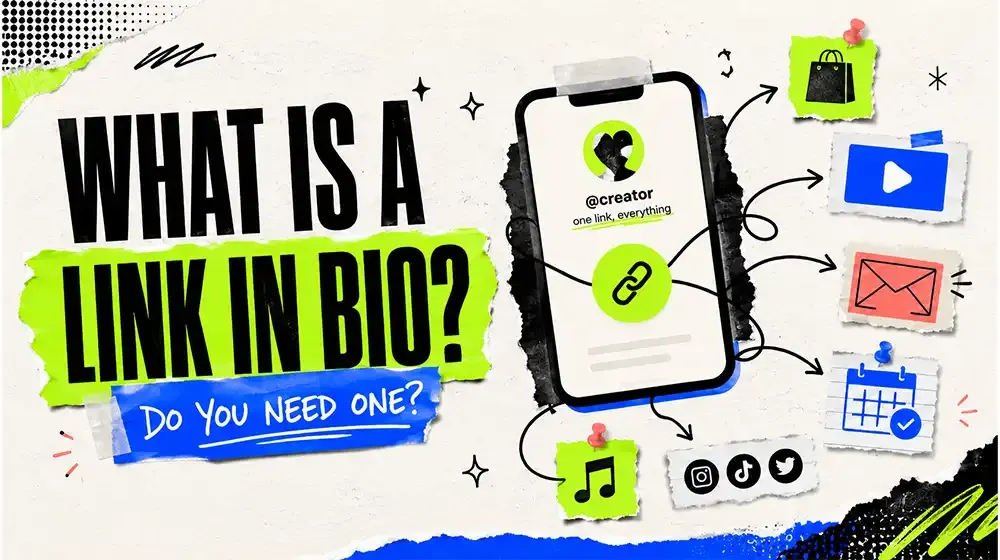
Instagram gives you one clickable link. TikTok gives you one. X gives you one. Meanwhile you have a shop, a new video, a newsletter, a booking form, and three other socials you would like people to find.
That gap is the entire reason link in bio pages exist.
The short version
A link in bio page is a single web page that holds all your links, living at one short URL you never have to change. You paste that URL into your profile once. After that, when what you are promoting changes, you edit the page instead of editing your bio.
That last part is the whole point, and it is the part people miss. The value is not that the page holds many links. The value is that the link in your bio becomes permanent while everything behind it stays editable.
Why the platforms do this
It is worth knowing that the one-link limit is not a technical constraint. It is a business decision. Every social platform would rather you stayed on the platform than clicked away from it, so outbound links are rationed deliberately. Instagram in particular has spent years making external links harder to reach, not easier.
You are not going to win that argument. A link in bio page is the practical workaround: one sanctioned outbound link, used well.
Who actually needs one
Not everyone does. If you have exactly one thing to promote and that thing never changes, put its URL in your bio and get on with your life.
A link in bio page starts earning its keep when one of these is true:
You promote different things week to week. A musician with a new single every few months, a creator whose latest video matters more than the last one. Editing a page takes ten seconds. Editing a bio on four platforms takes ten minutes and you will forget one.
You are on more than one platform. One page can be the destination for Instagram, TikTok, YouTube and a newsletter footer all at once. You get one place to update and one place where all your traffic is measured together.
You sell something. A shop link, a booking form, a menu, a price list. These are the links where knowing the click count actually changes decisions.
You are a local business. A restaurant with a menu, a map location, a reservation link and a phone number has four things to share and one bio slot. This is the case where a link page is least glamorous and most useful.
What separates a good page from a dead end
Most link in bio pages underperform for the same handful of reasons, and none of them are subtle.
Too many links
This is the big one. A page with fifteen links is a page where nothing gets clicked. Visitors scan, do not find an obvious priority, and leave.
Put the thing you actually want clicked at the top, on its own, visually distinct from everything else. Then the second thing. Everything below the fifth link is, realistically, decoration. That is fine, but do not confuse decoration with a call to action.
No sense of what is working
If you cannot see which links get clicked, you are guessing about what to promote. Most people are surprised the first time they look at real numbers, usually because the link they assumed was carrying the page is not the one people click.
Links that quietly die
A page from eight months ago with a link to a sold-out product or a deleted video is worse than no page. It signals that nobody is home. Check it occasionally.
It does not look like you
A page in a generic default template with another company's logo at the bottom reads as an intermediate step, not a destination. If the page looks like your brand, people trust the links on it more.
It is slow
Your visitors are on phones, often on mobile data, and they arrived by tapping a link in an app. A page that takes four seconds to render loses a meaningful share of them before it appears. Heavy background images are the usual culprit.
What a good page is made of
In rough order of how much they matter:
- A clear name and photo. People arrived from a profile. The page should obviously belong to the same person or brand.
- One primary action, unmissable. The thing you most want clicked.
- A short, honest bio. One line. Not a biography.
- Everything else, ordered by importance.
- Your other socials, usually as small icons rather than full-width buttons, so they do not compete with the real links.
Anything beyond that is optional, and optional things should earn their place.
Beyond a list of buttons
A plain list works fine, and for many people it is the right answer. But there are cases where a list is genuinely the wrong shape:
- Embeds. A YouTube video or a Spotify track that plays on the page converts better than a button that sends people to another app, because you keep the visitor.
- Grids. A photographer or a shop with eight products is better served by a visual grid than eight identical text buttons.
- Groups. If you have distinct audiences -- say, music links and consulting links -- splitting them into switchable groups means neither audience scrolls past the other's content.
- A map. For anywhere physical, an embedded location beats an address people have to copy.
The QR code angle
Every link in bio page has a URL, and any URL can become a QR code. This turns out to matter more than people expect for anything offline: packaging, a poster, a business card, a table tent in a cafe, the back of a van.
It is the same page, reached by camera instead of by tap. If you do anything in the physical world, it is free reach you are otherwise leaving on the table.
Getting one running
The setup is genuinely quick, and the ordering matters more than the tooling:
- Claim a short, memorable username. Shorter is better -- people do type these by hand.
- Add your name, photo and a one-line bio.
- Add your links, most important first. Resist adding everything.
- Make it look like you, rather than like a default template.
- Put the URL in every profile you have.
- Come back in two weeks and look at what actually got clicked.
Step six is the one people skip, and it is the one that makes the difference over time.
A reasonable expectation
A link in bio page will not fix a traffic problem. If nobody visits your profile, a better page behind it changes nothing.
What it does do is stop you losing the traffic you already have. People who tapped your link were already interested. A page that loads fast, looks like you, and makes the next step obvious converts noticeably more of them than a bio with one link to whatever you happened to be promoting in March.
That is a modest claim, and it is the true one.
Ready to set one up? Claim your username -- it is free, and takes about two minutes. If you would rather read first, the setup guide walks through it step by step.